Our Work

Consulting and training in practice

Explore the substance of our consulting and training experience: the challenge, the work delivered, the materials produced, and the people responsible. Working tools and illustrative workflow concepts follow the three examples.

Three examples of delivered work

These examples draw on our team’s professional and consulting experience. Each shows the context, delivered work, practical outputs, and delivery role.

Turning a business proposition into an investment presentation

Context and challenge

Access Point needed a clear presentation of its business proposition for prospective investors. The work brought the customer problem, market opportunity, commercial assumptions, and financial analysis into a coherent investor narrative.

What was delivered

  • Refinement of the value proposition, positioning, and investor narrative.
  • A pitch structure explaining the customer problem, proposed solution, market opportunity, and competitive advantage.
  • Clarification of the business model, service portfolio, target customers, and revenue assumptions.
  • Financial projections and analysis using customer profiles and customer acquisition information.
  • Development of the complete pitch presentation, including its messaging and presentation structure.

Tangible outputs

A complete investor-pitch presentation, a refined business and investor narrative, and supporting financial projections and analysis informed by Access Point’s customer and acquisition data.

Supported contribution

The delivered presentation connected the commercial proposition to the financial assumptions, giving Access Point a structured basis for presenting the business to prospective investors.

Who delivered the work

Team consulting experience supporting Access Point with investor-pitch preparation and financial analysis.

Working tools and workflow illustrations

Try the working tools below or explore clearly labelled workflow concepts. The reporting and knowledge examples are illustrations, rather than records of delivered client assignments.

PROJECT 01 Illustrative reporting workflow AI-supported NGO reporting illustration showing a folder and documents

AI-supported NGO reporting workflow

An illustrative reporting process showing how field notes, indicators, and source material could become draft reports with review and sign-off by the project team. The linked example uses fictional information.

What was designed Source checklist, prompt sequence, draft template, quality review, and approval points.
Intended use Organise drafting around source checks, a consistent report structure, and human approval.
PROJECT 02 Illustrative knowledge assistant concept
Internal knowledge assistant illustration showing folders and a search symbol

Internal knowledge assistant

An illustrative assistant concept for locating, summarising, and comparing approved policies, procedures, and operational documents. This describes a possible design, rather than a deployed client system.

What was designed Document structure, safe-use rules, answer format, source references, and escalation guidance.
Intended use Help staff find approved information and check references rather than relying on memory.
PROJECT 03 Browser AI tool Visionovisor AI token guide poster

Visionovisor

Explore models and their developers, compare API costs and specifications, and count document tokens locally in your browser.

Four simple functionsExplore model profiles, compare two models, inspect sourced specifications, or count extracted document text with verified local tokenizers.
Private by designBrowser-only document processing, with no API keys, document uploads or paid inference.
Open Visionovisor

API estimates and manually verified model data. English interface.

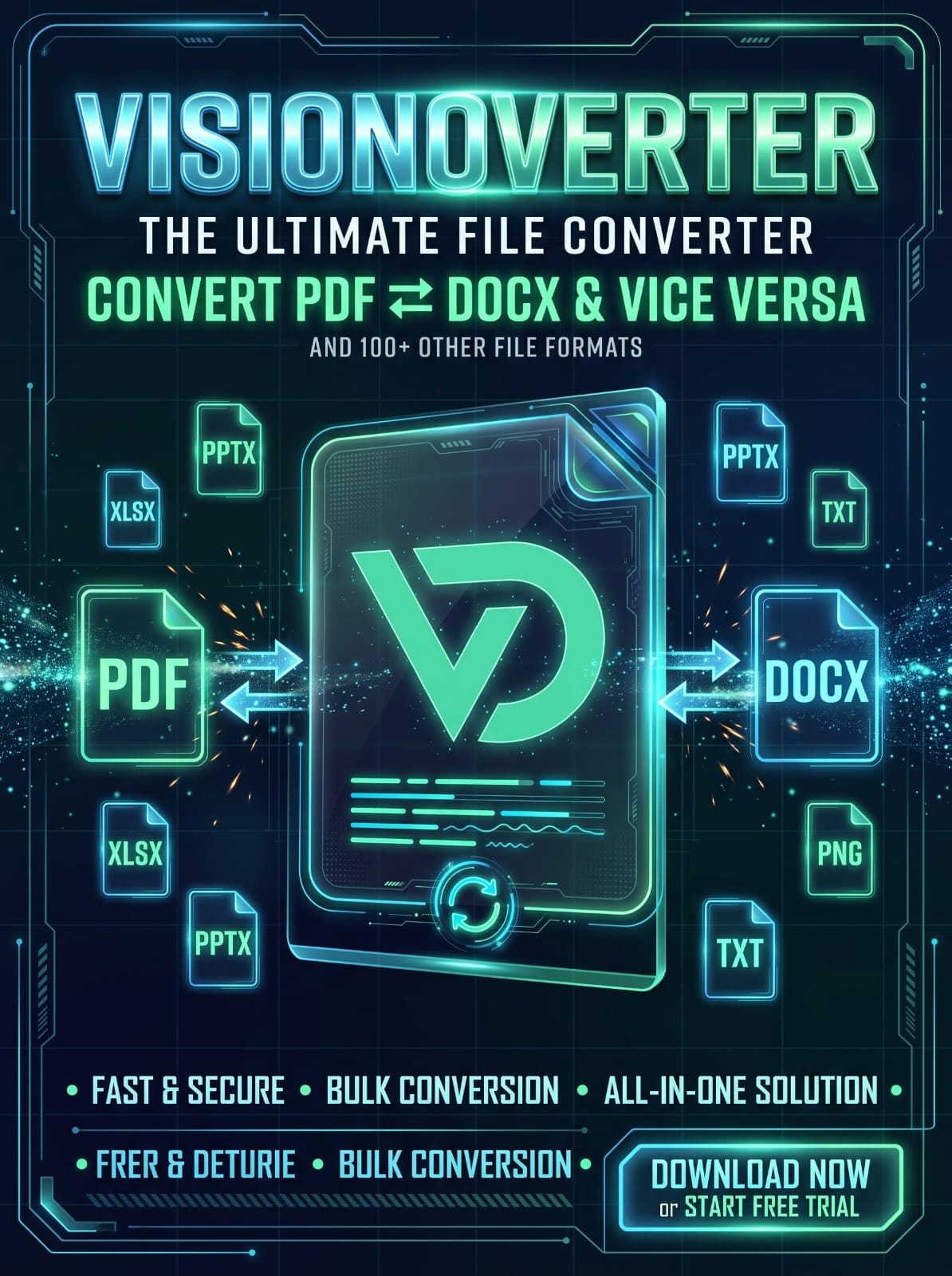
PROJECT 04 Windows desktop app Visionoverter file converter poster

Visionoverter

A Windows desktop app for batch conversion between Word, PDF, and Markdown, with native file drag-and-drop, a white Light theme, and a Dark theme. Conversion and English/Arabic OCR happen locally.

Conversion and OCR Batch conversion between Word, PDF, and Markdown, plus local English and Arabic OCR.
Made for Windows Native file drag-and-drop with a white Light theme and a Dark theme.
Download Visionoverter

Get Visionoverter from the Microsoft Store.

PROJECT 05 Game development Angry Alio game poster

Angry Alio

A browser game by Vision Dynamic Group. Guide Alio through a monster-filled forest, switch weapons, and fight your way to the finish line.

The experience An action game with forest exploration, enemy encounters, and a range of weapons.
How to play Play directly in your browser with keyboard controls. No download required.
Play Angry Alio

Best played on a desktop or laptop with a keyboard.

Bring us your business challenge.

We’ll help you understand the problem, assess your options, and design a practical path to implementation.

Discuss your challenge